healthy World Store WELCOMES YOU WITH “LOVE528 ” Frequency Products and Services!
We Prompt PROTECTION, Physical and Spiritual Healing!
The world is in sick and sad shape. “Babylon is falling.” ‘Depopulation’ and environmental degradation is mounting. Civil and cultural degeneration is escalating. The cure for all these problems, unnecessary sickness, and widespread ignorance damaging each of us, lies in the “key of the house of David” (Isaiah 22:22; Rev. 3:6-8).
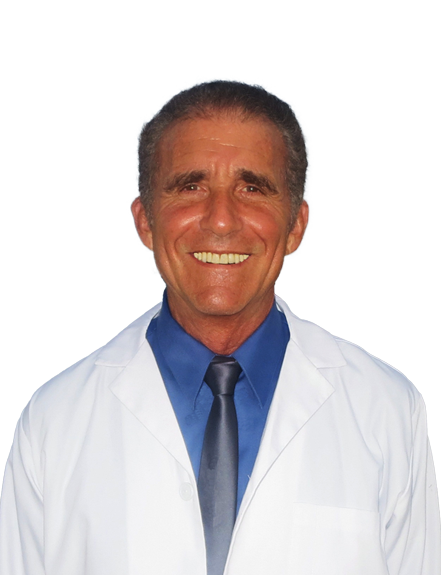
This prophetic truth accords with Dr. Horowitz’s three decades of accurate prophecy, scientific research, educational activism, and remedial achievements, especially in this realm of natural medicine, 'miraculous healing,' endorsing the health products you buy here.
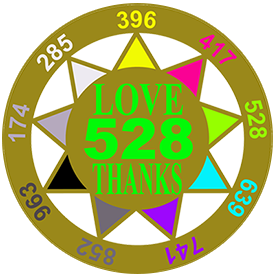
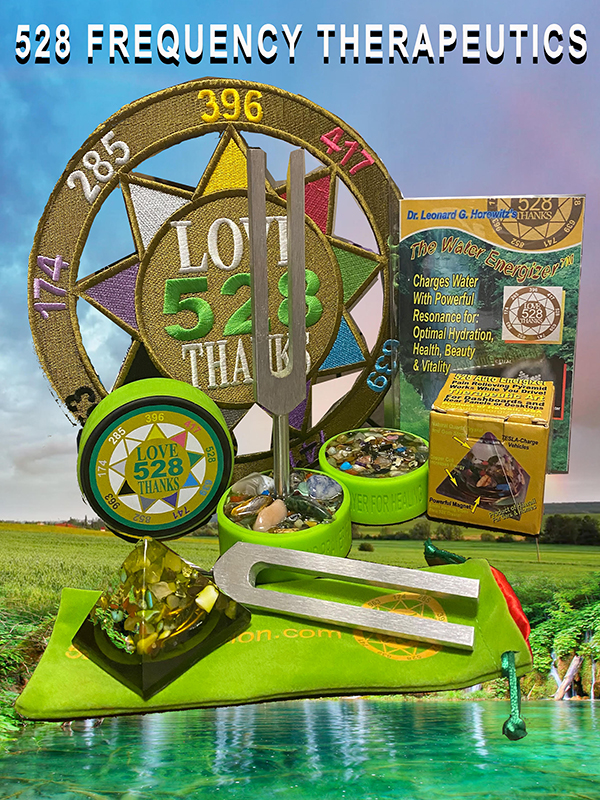
Dr. Horowitz was the first to herald the “LOVE528” frequency, a powerful antioxidant and immune booster that calls-forth healing, protection, and even “higher consciousness” (by its vibrational energy). As the world is becoming more risky and deadly, LOVE528 frequency (i.e., the “‘MI”racle musical note in the original Solfeggio musical scale, and the ‘great vibration’ at the heart of nature) is the most intelligent, scientifically-proven, and clinically-validated remedy in the world today. That is why this store features Dr. Horowitz's '528 products' and services.
FREE GIFTS Dr. Horowitz provides here, for example, include links to his amazing scientific research articles and online free-listening radio station. 528Radio.com exclusively plays music transposed into the 'LOVE528 frequency.' Dr. Horowitz created and donated this healing and spiritually-uplifting resource for your enjoyment and health. This “medicinal music” energetically vibrates you into the "Zone of Bliss." That is because the 'LOVE/528 frequency' broadcasts pure LOVE--the “Universal Healer.”
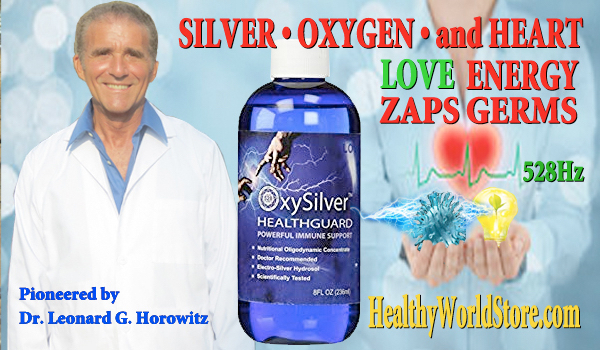
Dr. Horowitz’s bioenergy technologies and pioneering "electroceuticals" include "OxySilver with 528," and Liquid Dentist that starts with OxySilver. Need to detox heavy metals and vaccine graphene from your body? Use 'ZeoLOVE with 528.' And don't miss the doctor's "homeo-alchemy" products, such as CBD528. These apply "Pythagorian Mystery School Mathematics" (i.e., creative knowhow) used in our "Spirit Remedies." These products, and foundational intelligence, shatter the pharmaceutical/chemical/vaccination paradigm leveraging “LOVE/528” resonance. All of this complements “prayer power,” and your capacity to heal miraculously.
So this is healthcare’s most promising future.
We welcome you to explore these innovations in health science and bioenergy technologies with us.
Dr. Horowitz has pushed through many barriers to bring you this opportunity, to help yourself and evolve our species with 528 products, "medicinal music," and other outstanding options provided or linked herein.
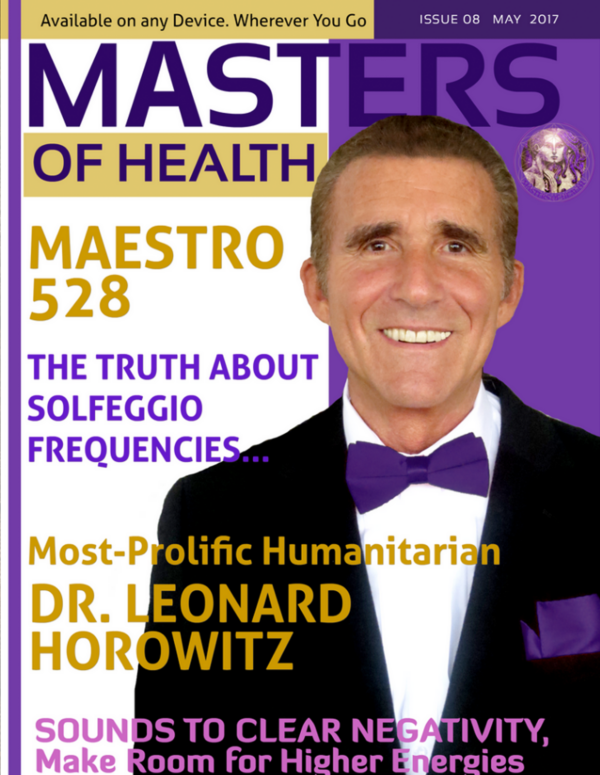
More About HEALTHY WORLD STORE and THE DOCTOR's Pioneering Health Products
Dr. Horowitz started HealthyWorldStore.com more than a quarter century ago as an affirmation for public health, natural healing, and 'holistic medicine.' This directly competes against Big Pharma''s drugs and vaccines.
Dr. Horowitz advanced his scientific discoveries and health products as the best-credentialed, most-prolific, extraordinarily prophetic, and widely-censored vaccine abolitionist in the world.
Today, the doctor continues to advance "electroceuticals"--the most powerful alternatives to antibiotics and vaccinations based on solid science. His "OxySilver with 528" invention is one of the top-selling most powerful 'silver hydrosols' in the world. This is not "colloidal silver" as naysayers contend. It is far more. . . .
The doctor's extraordinary wisdom and revelations in biophysics and metaphysics integrate ‘spirituality’ into electro-chemistry, electro-genetics, and water science (i.e., ‘energy medicine’). He demystifies ‘miraculous healing,’ rejuvenation, prevention, and general protection. His concepts are “paradigm shattering.”
This store reflects this positive, up-lifting, health-enhancing mission that decrees the “future of medicine is NOW!"
Dr. Horowitz's Accomplishments
After serving on the faculties of both Tufts and Harvard Universities, Dr. Horowitz was christened “The Kind David of Natural Healing.” This honorable distinction followed his two dozen books, three national best-sellers, and extensive video and film productions that cover more than three decades of his accurate scientific analyses, uncanny prophetic predictions, native elder wisdom, and dutiful warnings about lab viruses, frightening outbreaks, and profitable plagues (including HIV/AIDS, Swine Flu, Ebola, and COVID).
To his credit, Dr. Horowitz is far and away the most censored and smeared natural healthcare advocate in the world today. His award-winning books, videos, and films have each been heavily censored by Big Tech companies and the mainstream media. Censors include Google/YouTube, Twitter, Facebook, Vimeo, the New York Times, Washington Post, and seven newsletter mailing companies that have blocked subscribers from receiving HealthtyWorldNews.com--Dr. Horowitz's free newsletters.
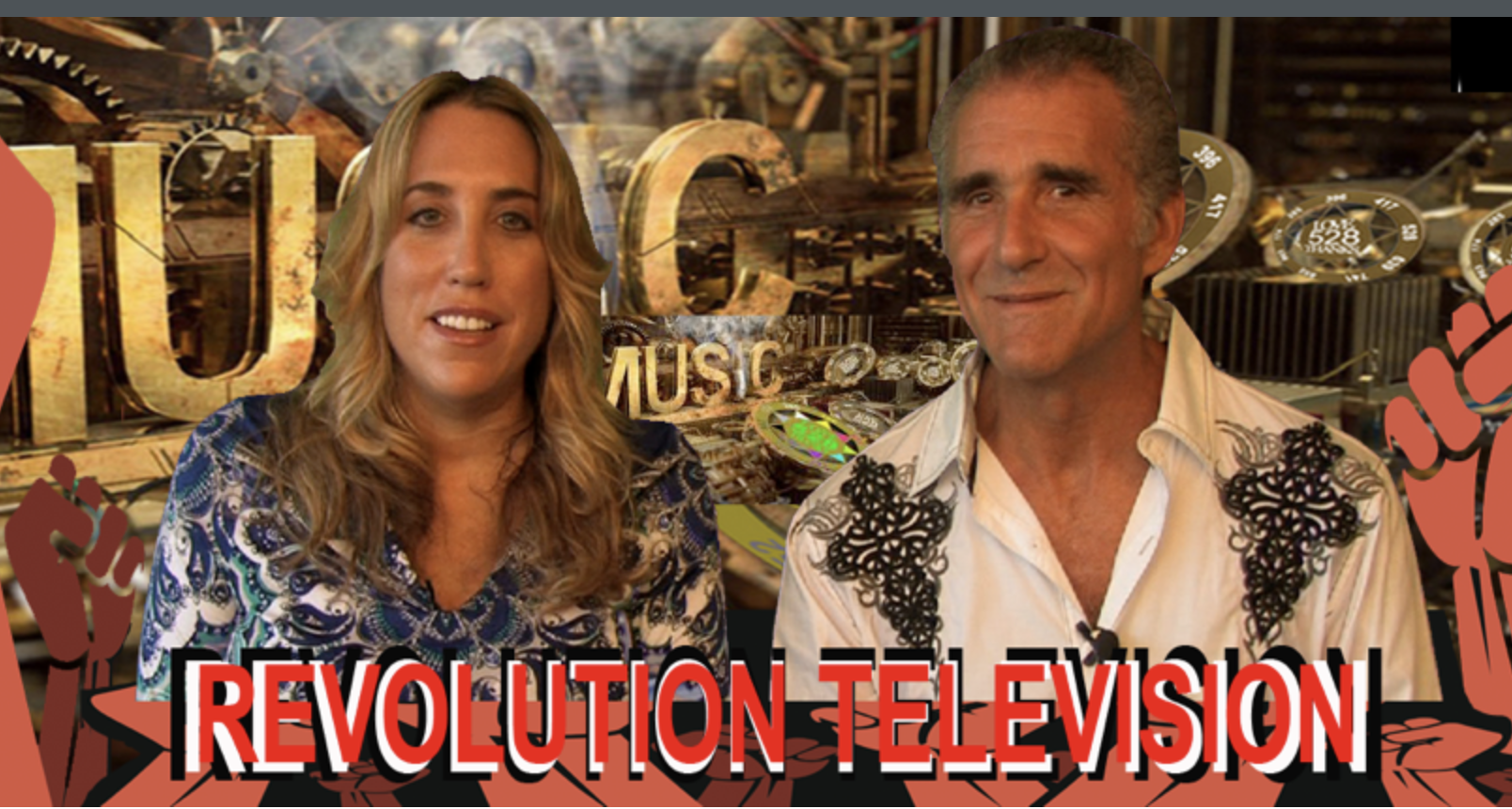
Consequently, Dr. Horowitz launched his own video channel now broadcasting on RevolutionTelevision.net, with select gems also showing on BITCHUTE, and on Rumble.
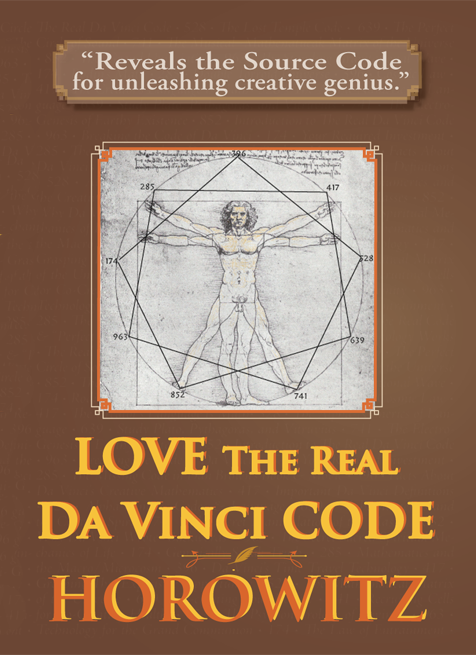
Solid science increasingly confirms Dr. Horowitz's thesis. The LOVE528 “pure tone” has been shown to be a powerful antioxidant, alkalizer, and free-radical neutralizer. 528 is a key health protector and consciousness raiser, despite it being secreted, disparaged, and overlooked. The metaphysics of LOVE528Hz/nm frequency, and its electro-genetics, enables you to be delivered from 'bad vibes,' 'evil,' illness, pain, fear, depression, and premature death. That is why all of Dr. Horowitz products and services featured in HealthyWorldStore.com celebrate the LOVE528 frequency.
Dr. Horowitz’s mission has been to save as many lives as possible, and raise 'consciousness' in honor of God. This is also the purpose of his books, films, this store, and the doctor's global ministry--"The Royal Bloodline of David." Here you can find this Levitical priest and doctor's best picks of products, services, and intelligence needed to do more than survive and thrive during these troubled “End Times.” Dr. Horowitz's health and educational products model 'righteousness' in healthcare based on solid science, biophysics, metaphysics, electrogenetics, and their ties to pure spirituality and the "Divine design" of your body.
An award-winning scholar, humanitarian, inventor and entrepreneur, Dr. Horowitz has formulated powerfully effective ‘nutraceuticals’ (i.e., 'electroceuticals) based on his monumental and unparallelled contributions to health science and clinical practices. This way, he has blessed, and successfully advised hundreds of thousands of doctors and natural healing clinicians worldwide.
Besides all the above, Dr. Horowitz warns that the "Great Global Reset" and "Transhumanist" movement is being imposed by the ‘shadow governors,’ along with wars and plagues such as COVID, AIDS and other emerging bioweapons. He thus urges you to study his 528 'key of the house of David" revelations for physical salvation and spiritual evolution.
Assuring his legacy, Dr. Horowitz created the “528 Industry” advancing musicology and the natural healing arts and sciences. He was the first authority to explain the biophysics and metaphysics of homeopathy. He created a series of “spirit remedies,” including CBD528, leveraging the superconducting power of ‘structured water’ and micro-fine “OxySilver.” His 528 resonating nutritional supplements coherently enhance “Prayer Power” to facilitate “miraculous healings.” His infusion of the 528Hz/nm frequency of sound and light into his products models this evolution of "consciousness" in healthcare, based on the simple truth that “you are a spiritual being before you are a physical being.” And, therefore, the proper way to treat yourself, and your “Holy Spirit-filled ‘temple’ (your body), is with “LOVE–the ‘Universal Healer.'” That resonates in 528Hz. This is the "key of the house of David" (Isaiah 22:22; Rev. 3:6-8) that tunes your heart in 'coherence' with the heart of nature, and God’s LOVING HEART as well.
FEATURED PRODUCTS
-
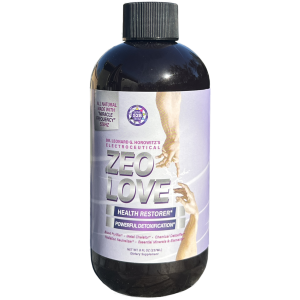
ZeoLOVE with 528 for Detoxification and Graphene Antidote
$39.95 Add to cart -
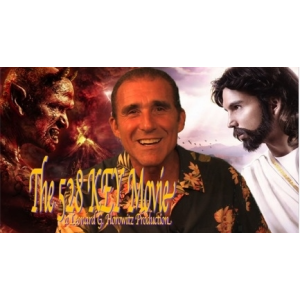
528 KEY to LOVE & PEACE: Shattering Paradigms with the Musical-Mathematics of LOVE (Download DVD)
$5.00 Add to cart -
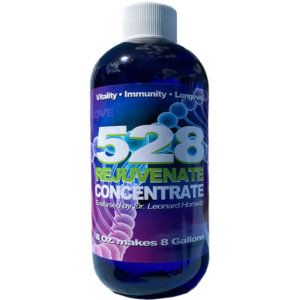
528 REJUVENATE (Structured/Clustered) Water
$39.95 Add to cart -
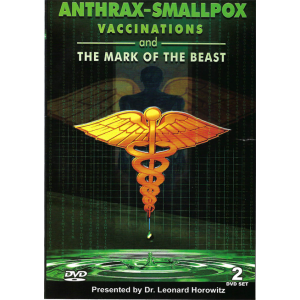
Anthrax, Smallpox, Vaccinations and the Mark of the Beast! DVD
$29.95 Add to cart -

Death in the Air (2 DVD set by Dr. Leonard Horowitz)
$29.95 Add to cart -
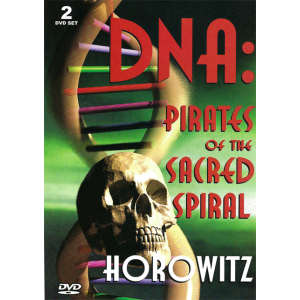
DNA: Pirates of the Sacred Spiral (2 DVD Set)
$29.95 Add to cart
Start your journey to health with the amazing healing benefits of our 528 products
See More of Dr. Horowitz's